

Blog
Implementation of Electronic Shelf Label in Wholesale Operations

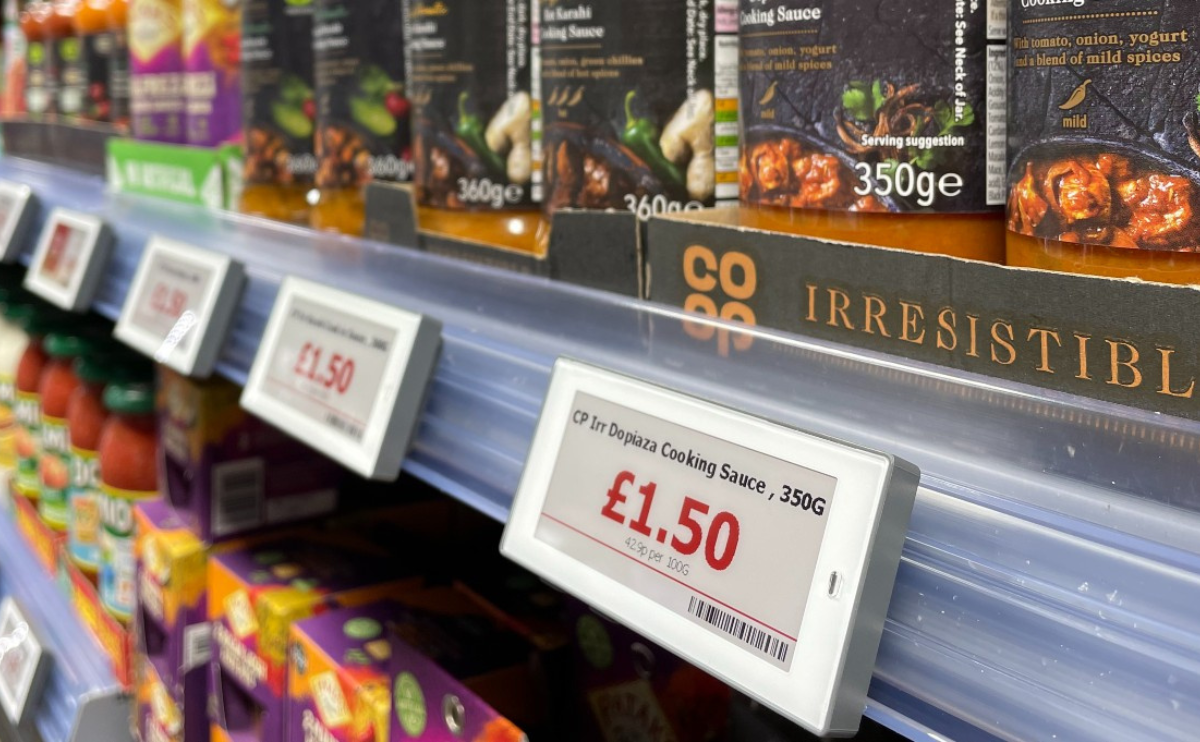
If you manage a large wholesale operation, keeping pricing accurate and up to date is always a challenge. That’s where an electronic shelf label (ESL) system can be a game-changer. Instead of changing paper labels manually, ESL allows you to update prices and product information instantly from a central system. This not only saves time but also improves accuracy and reduces labor costs.
In this guide, we’ll walk you through the process of implementing ESL in your wholesale business step-by-step.
Step 1: Understand What an Electronic Shelf Label Is
Before getting into the setup process, make sure your team knows what an electronic shelf label system does. These small digital displays replace traditional paper tags and connect to your central pricing system via wireless technology. Prices, product details, and even promotions can be updated in seconds, reducing the risk of errors and making your store operations smoother.
Step 2: Assess Your Needs
Every wholesale operation is different. Start by asking:
- How many SKUs (stock-keeping units) will need labels?
- Do you require large-screen ESLs for bulk items or smaller ones for compact shelves?
- Will you use ESLs only for pricing, or also for displaying product information and barcodes?
Understanding your needs will help you choose the right size, design, and functionality for your electronic shelf label system.
Step 3: Choose the Right ESL Provider
Not all ESL providers are the same. Look for:
- Reliable wireless communication technology
- Long battery life (usually 5–7 years)
- Easy integration with your existing POS system
- Technical support and training
It’s worth requesting demos from a few suppliers before deciding.
Step 4: Plan the Rollout
For large wholesale operations, a phased rollout often works best. You could start with one section or department before expanding across the store. This approach helps your staff adapt to the new technology without overwhelming them.
Step 5: Train Your Staff
Your team needs to feel comfortable with the electronic shelf label system. Schedule training sessions so they can learn how to:
- Update prices from the central system
- Replace labels when needed
- Troubleshoot common issues
When your team is confident, you’ll avoid delays and errors.
Step 6: Install and Test
Once the plan is in place, install the ESL devices on your shelves. Make sure they are positioned clearly and securely. Run tests to confirm that all labels are updating correctly and that there are no communication issues between the central system and the ESL units.
Step 7: Monitor and Maintain
Even though ESL systems are low-maintenance, regular checks will keep them performing well. Monitor battery life, update software when needed, and replace any damaged units promptly.
Final Thoughts
Switching to an electronic shelf label system in a large wholesale operation might seem like a big step, but the payoff is worth it. You’ll save hours of manual labor, reduce pricing mistakes, and improve overall efficiency. By following these steps, your transition will be smooth and your business will be ready to keep up with the demands of modern retail.
